Run a Pay Run
Clear flags, team sign-offs, review totals, close, and hand the file to payroll.
- Owners
- Admins
- Payroll
- Team leads
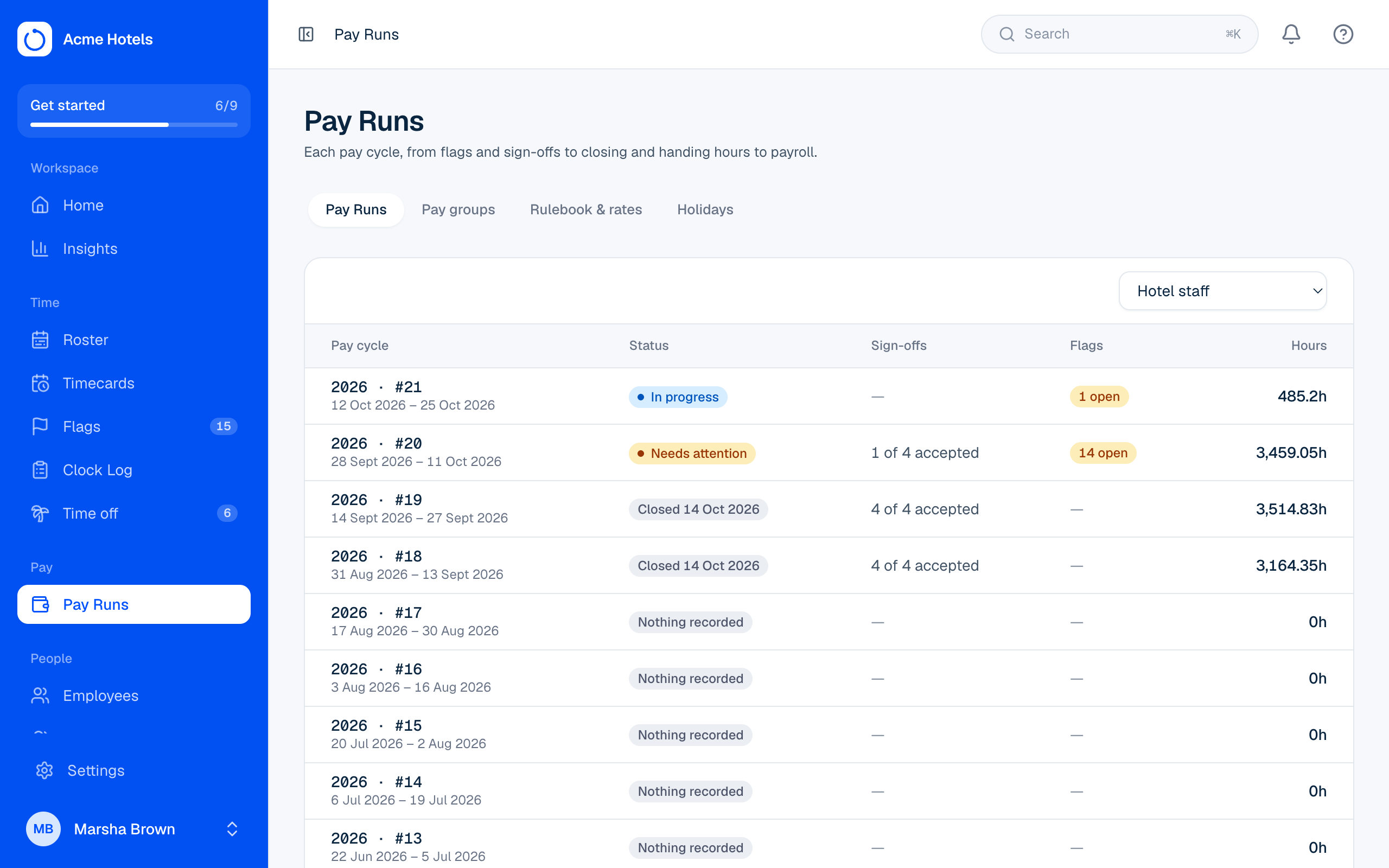
Each pay cycle has one Pay Run page with five steps. Open it from Pay Runs.
- Clear flags. Every open flag for the cycle must be fixed or marked OK.
- Team sign-offs. Each team lead signs off their team's timecards. Payroll then accepts each one, or sends it back with a reason. If hours or pay items change after a sign-off, it shows Changed since sign-off and needs signing again.
- Review totals. Hours per earning code for everyone and, if you can see pay, pay items and gross amounts. Add pay items for many people at once with Upload pay items from a spreadsheet (see Pay items), or print time cards for everyone as one PDF, with signature lines for the employee and supervisor.
- Close. Possible once the cycle has ended, nothing is flagged, and every team is accepted. A closed cycle never changes.
- Hand off. Download the file for your payroll system: summary or transactions, as CSV, Excel or DBF. Pay items are included as their own columns or lines. The pay group's payroll export setting decides the layout; today that's the generic layout most Jamaican payroll systems import.
Made a mistake after closing?
Choose Reopen and say who asked and what was wrong. Sign-offs start again. Files made earlier are marked as out of date.
Related guides
FlagsProblems to clear before payroll, like missing clock-outs, punches from outside your locations, and problems employees report.Rulebook and ratesRounding, breaks, overtime and night premium, changed safely with drafts and a start date.API keys for your payroll systemLet your payroll software read approved hours directly.Pay items: allowances, bonuses and deductionsAdd money on top of hours, one-off or every cycle, and send it to payroll with the hours.
Still stuck? WhatsApp us.
Have your workspace address and the page you were on ready. With your permission we can look at it with you.