Pair a Clock Station
Turn any tablet into the clock your people tap in and out on.
- Owners
- Admins
A Clock Station is a tablet (or any browser) at the entrance. Nobody signs in on it: it's paired once and stays paired.
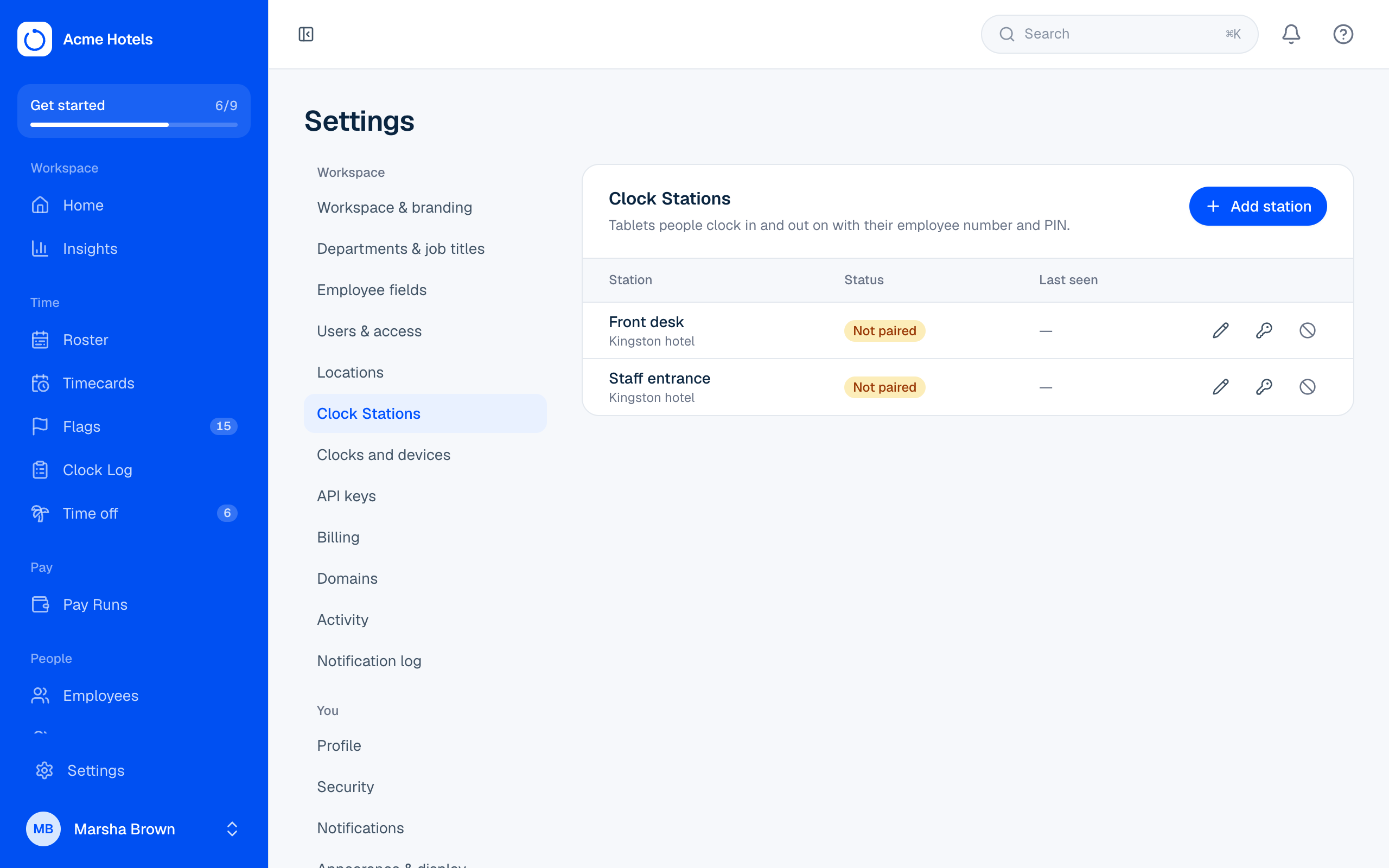
Pair a tablet
- In Settings › Clock Stations choose Add station, give it a name like "Kitchen door", and pick its location (add places in Settings › Locations).
- You get a 6-digit pairing code, valid for 15 minutes.
- On the tablet, open your workspace address followed by
/stationand enter the code.
That's it. The tablet now shows the clock screen. Put it in full-screen or kiosk mode.
Clocking in
People enter their employee number, then their PIN, then choose In, Break, Back or Out. Only the choices that make sense right now are shown. A confirmation stays up for a few seconds.
To stop a lost or replaced tablet from working, choose Revoke next to it.
Prefer fingerprint, face or card clocks? They connect through the connector instead; see Time clocks and the connector.
Related guides
Still stuck? WhatsApp us.
Have your workspace address and the page you were on ready. With your permission we can look at it with you.