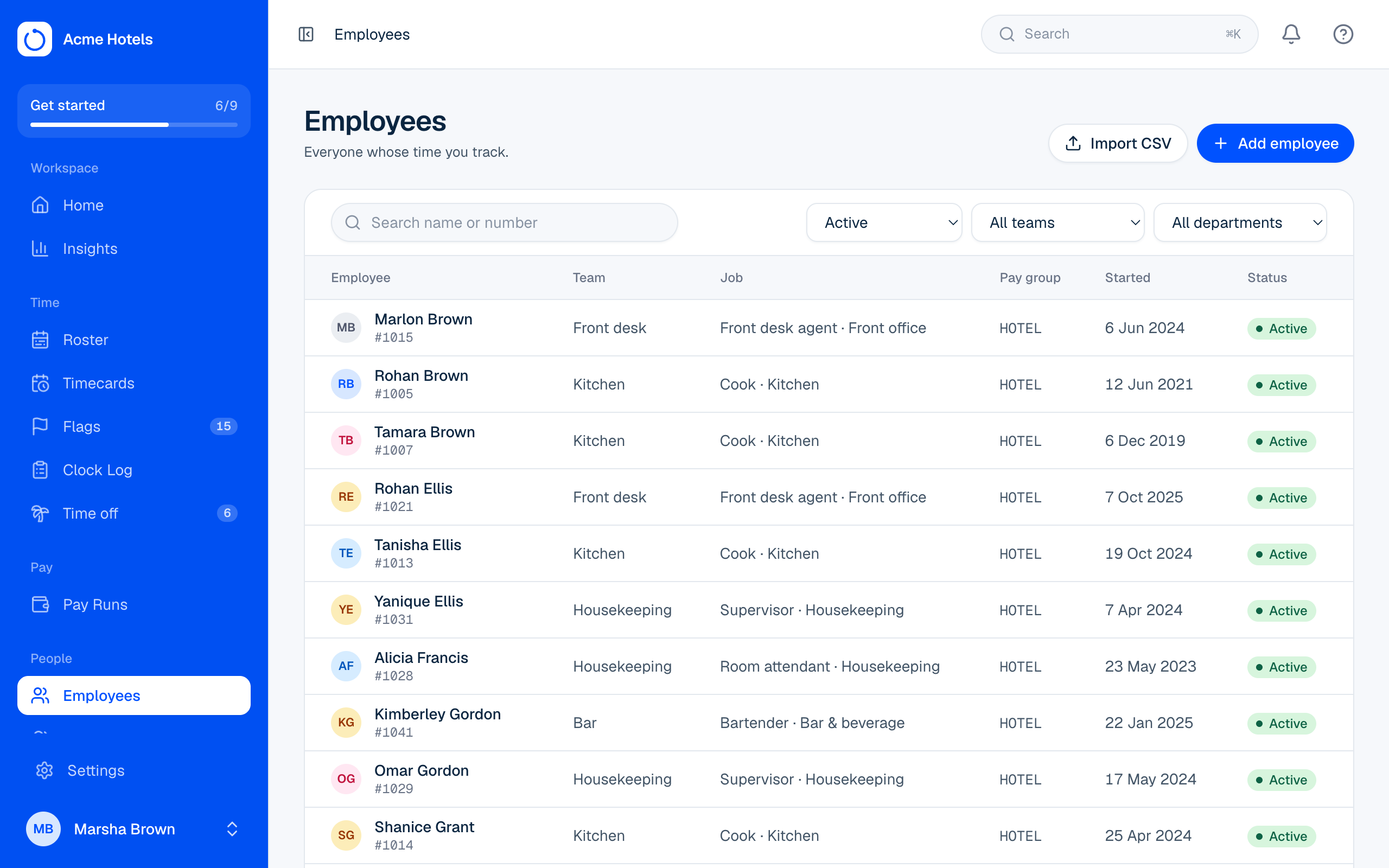
Add and import employees
Add people one at a time, or many at once from a spreadsheet.
- Owners
- Admins
Import from a spreadsheet
- Open People › Import and download the template.
- Fill in one row per person. Pay group, department and job title use their codes, and team uses its name. Leave the number blank to have one assigned.
birth_dateis optional (YYYY-MM-DD); Home only ever shows the day and month. Optional columns also coveremployment_type(full_time, part_time, contract or casual),phone,addressand the emergency contact (emergency_name,emergency_relationship,emergency_phone). Any employee fields you've added have a column each, named by the field's key. - Save as CSV and upload it. Ovrilo checks every row and lists any problems by line. Nothing is saved yet.
- Fix the problems, or import the good rows now. The import runs in the background with a progress bar.
An import can't take you past the seats on your plan: if there aren't enough seats left for every row, nothing is imported and you're told how many are left. Ask your owner to add seats (see Your plan, seats and invoices).
Add one person
Choose Add employee on People. Their profile holds their details (including birthday, phone, address, employment type, emergency contact and your own employee fields), pay rates and recurring pay items (only for people allowed to see pay), identifiers like TRN and NIS, and their Clock Station PIN, and, if your plan includes them, their own rule for clocking in from Me and any clock badges (numbers they use on time clocks other than their employee number).
When someone leaves
Open their profile and choose Mark as left, with their last day and why they left. Their history stays, and they stop using a seat. You can reinstate them later if a seat is free.
Your own employee fields
Need something else, like shirt size or locker number? Add it in Settings › Employee fields: text, a number, a date, or a pick list, optionally required and optionally shown to the employee in Me. Each one appears on every profile and as a column in the import.
Privacy: Emails, birthdays, phone numbers, addresses, emergency contacts and identifiers are encrypted. Only the last four digits of an identifier are ever shown.
Related guides
Still stuck? WhatsApp us.
Have your workspace address and the page you were on ready. With your permission we can look at it with you.