Teams and team leads
Teams decide who each lead signs off, approves and sees.
- Owners
- Admins
A team lead sees and acts for the people in their teams: their timecards, flags, roster, sign-offs and time off requests.
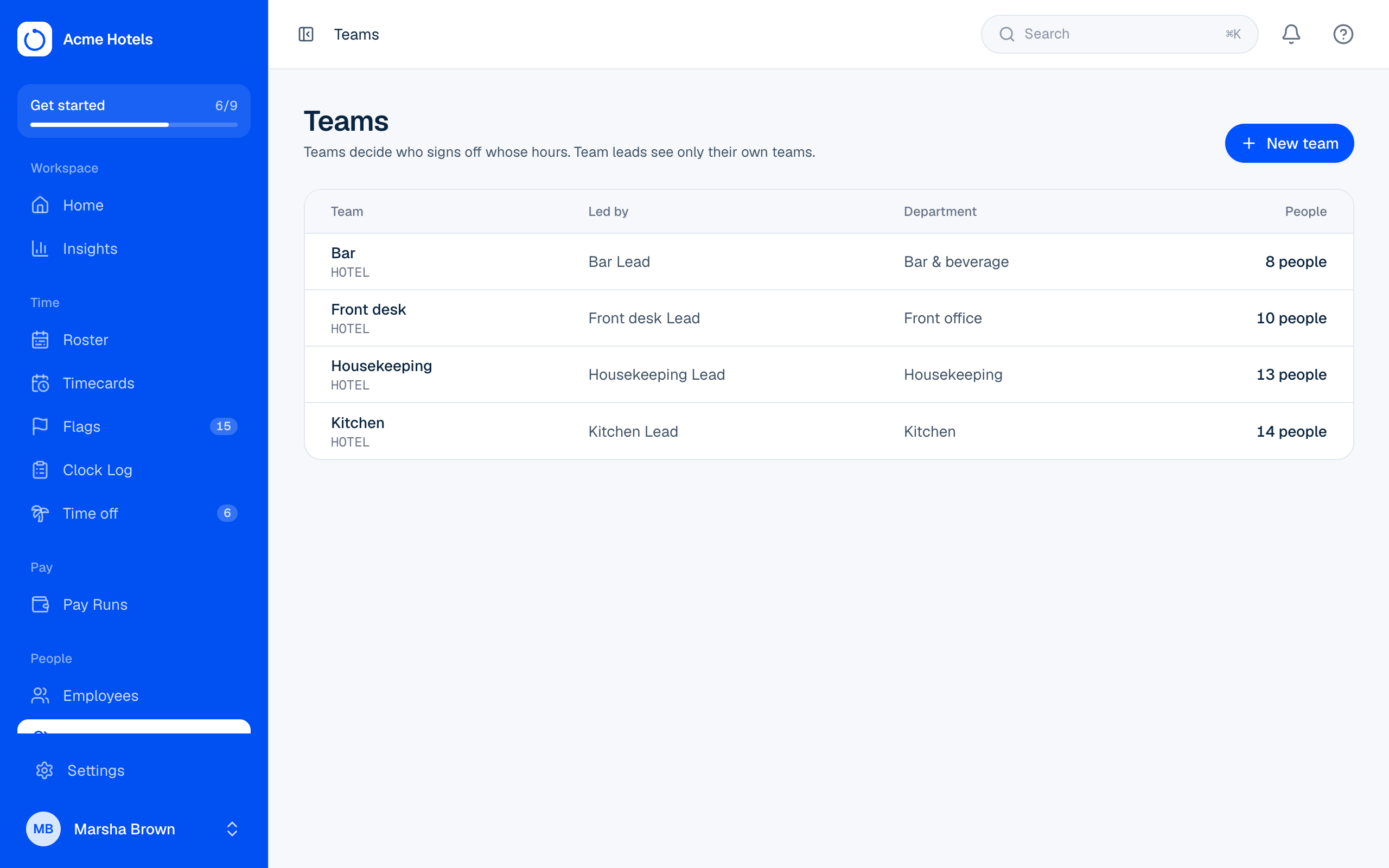
Create a team
- Open Teams and choose Add team.
- Add members. Membership starts on a date, so moving someone keeps their history in the old team.
- Choose the team's leads. A lead must be a user with the Team lead role (or higher).
Good to know
- Pay Run sign-offs are made per team, based on who was in the team at the end of the cycle.
- People not on any team are signed off by payroll.
Related guides
Invite users and choose rolesOwners, admins, payroll managers, payroll, team leads and employees, and what each can do.Run a Pay RunClear flags, team sign-offs, review totals, close, and hand the file to payroll.Approve time offWaiting requests, the checks behind them, and adding time off for someone.
Still stuck? WhatsApp us.
Have your workspace address and the page you were on ready. With your permission we can look at it with you.