Sign in and find your workspace
Each company has its own address. How to sign in with your email or employee number.
- Owners
- Admins
- Payroll
- Team leads
- Employees
Every company on Ovrilo has its own address, like yourcompany.example.com. Sign in there, not on the main site.
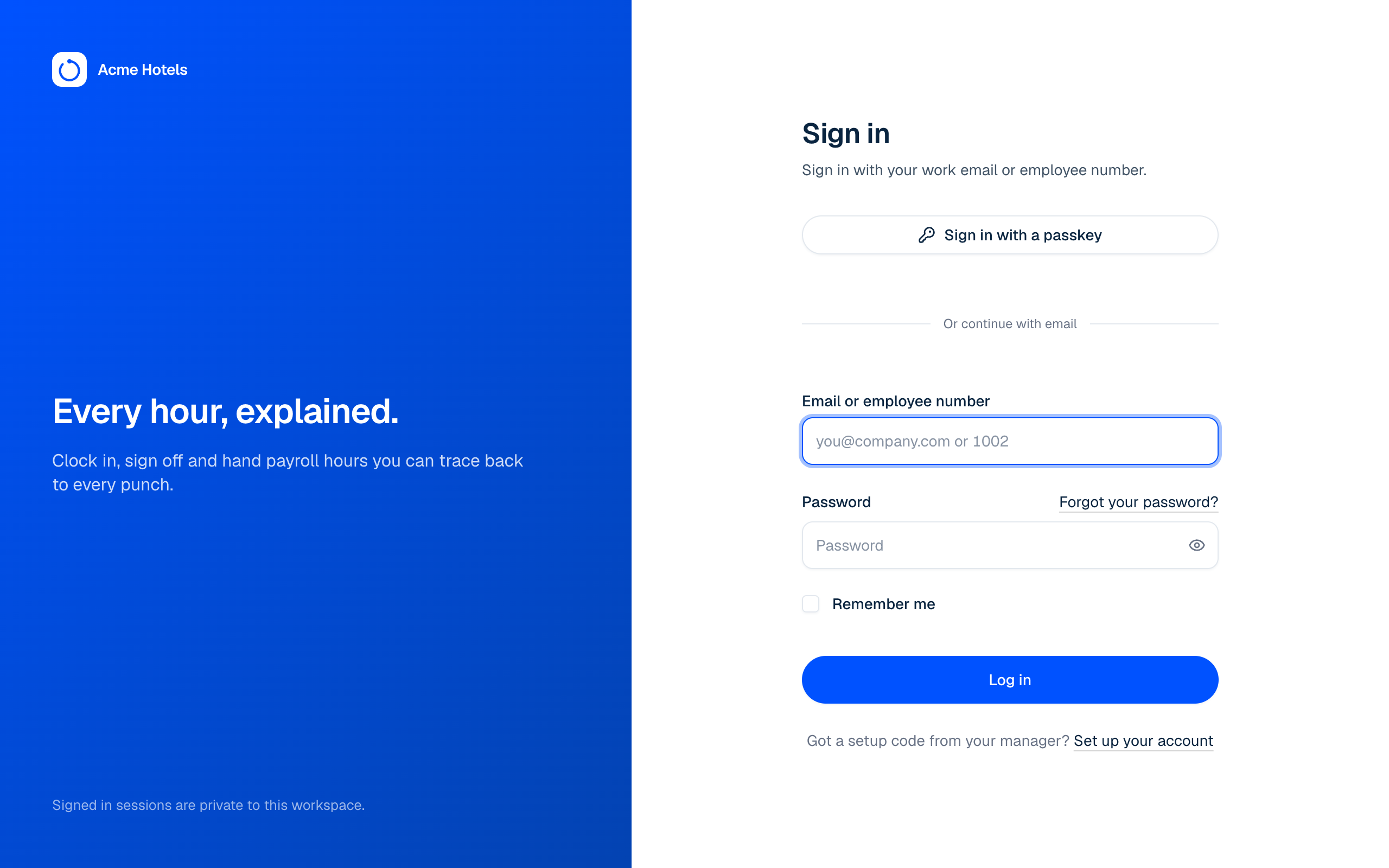
Signing in
- With your email and password, if you were invited by email.
- With your employee number and password, if you joined with a setup code from your manager.
The first time you sign in, you'll be asked to confirm your email (or add one if you joined with a setup code). Click the link we send and you're in. It's how notifications reach you and how you get back in if you forget your password.
Forgot your workspace address?
Choose Sign in on the main site. Workspaces you've signed in to on this device are listed there: pick one to go straight to its sign-in page. You can also type your workspace address, or choose Email me my workspaces and we'll email you the links to every workspace you belong to, with your email already filled in.
Forgot your password?
Choose Forgot your password? on the sign-in page and we'll email you a link to choose a new one.
Two-factor authentication
Owners and admins can turn on two-factor sign-in in Settings › Security, using an authenticator app or a passkey.
Related guides
Still stuck? WhatsApp us.
Have your workspace address and the page you were on ready. With your permission we can look at it with you.