Balances, accrual and opening balances
How balances grow, why a balance is what it is, and bringing over balances from before.
- Owners
- Admins
- Payroll
- Team leads
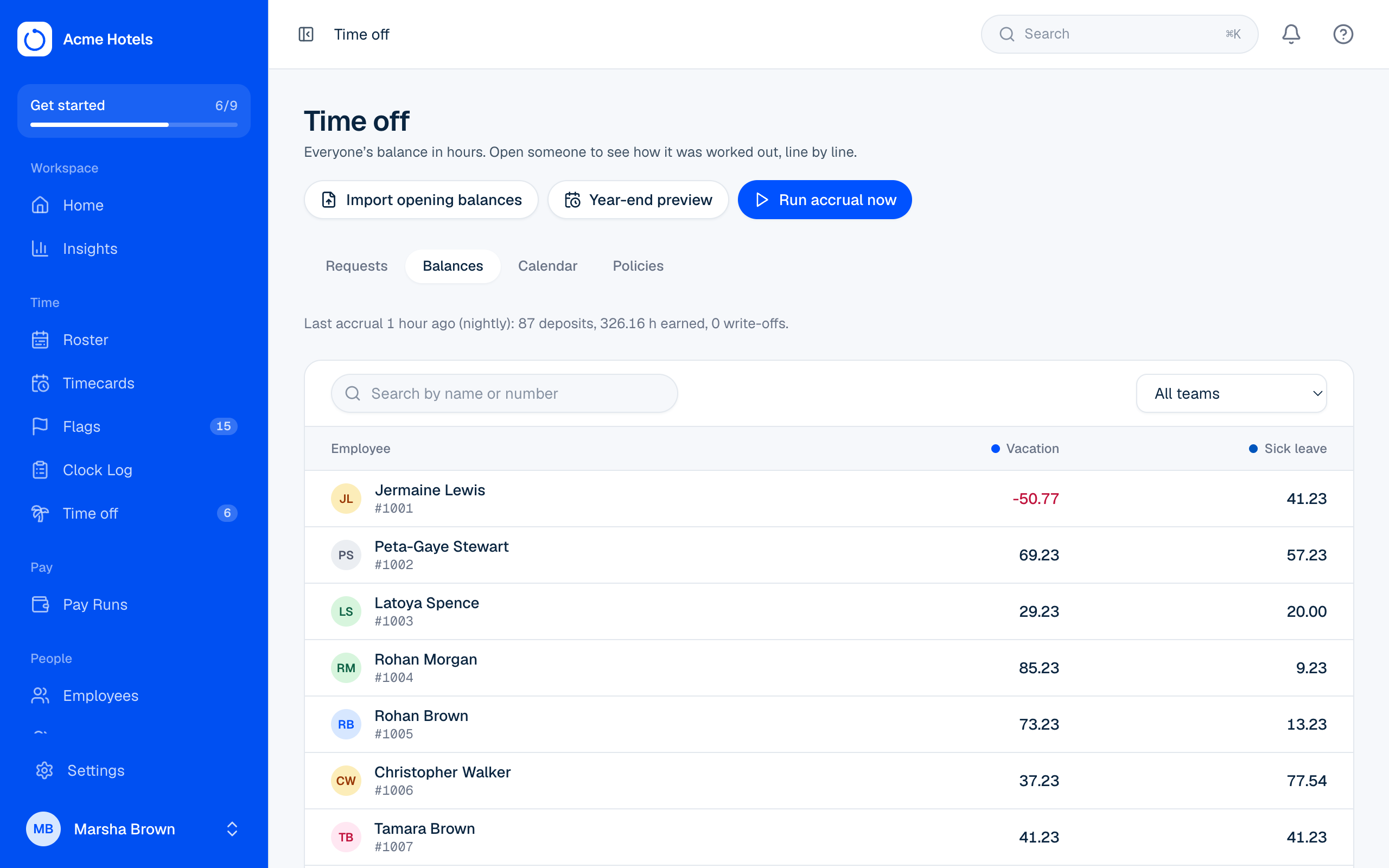
How balances grow
Every night Ovrilo adds what each person has earned under their policies. It's safe to run twice: nothing is ever added twice. Managers can also choose Run accrual now.
Why this balance?
On Time off › Balances, click a person. Each policy shows the balance, what's usable now, hours about to expire, Why this balance? (the working out, line by line), and the full history.
Correct a balance
Choose Adjust, enter the hours (a minus number takes hours away) and say why. Nothing is overwritten: the history always adds up.
Bring over balances from before
- Open Opening balances and download the template.
- Enter each person's balance on the day you start, and the days they'd already worked this year.
- Upload, check the preview, then import. Importing the same file twice adds nothing.
See who's off on the Calendar.
Related guides
Still stuck? WhatsApp us.
Have your workspace address and the page you were on ready. With your permission we can look at it with you.